 3D Parallax
01 / Make it fit
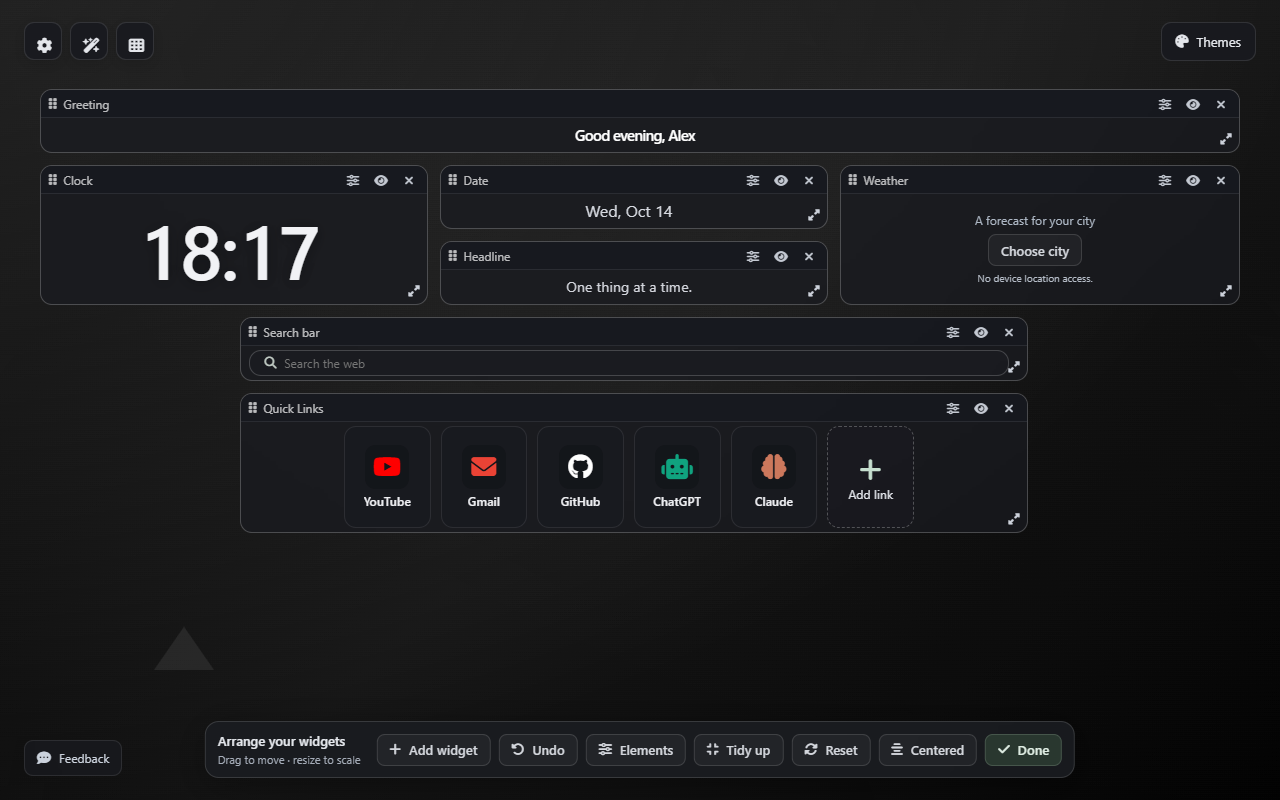
Move it. Resize it. Make it yours.
Arrange your clock, search, links and notes with drag and drop. Content grows with each widget. Tidy up your layout, or undo a change.
A personal new tab for Chrome
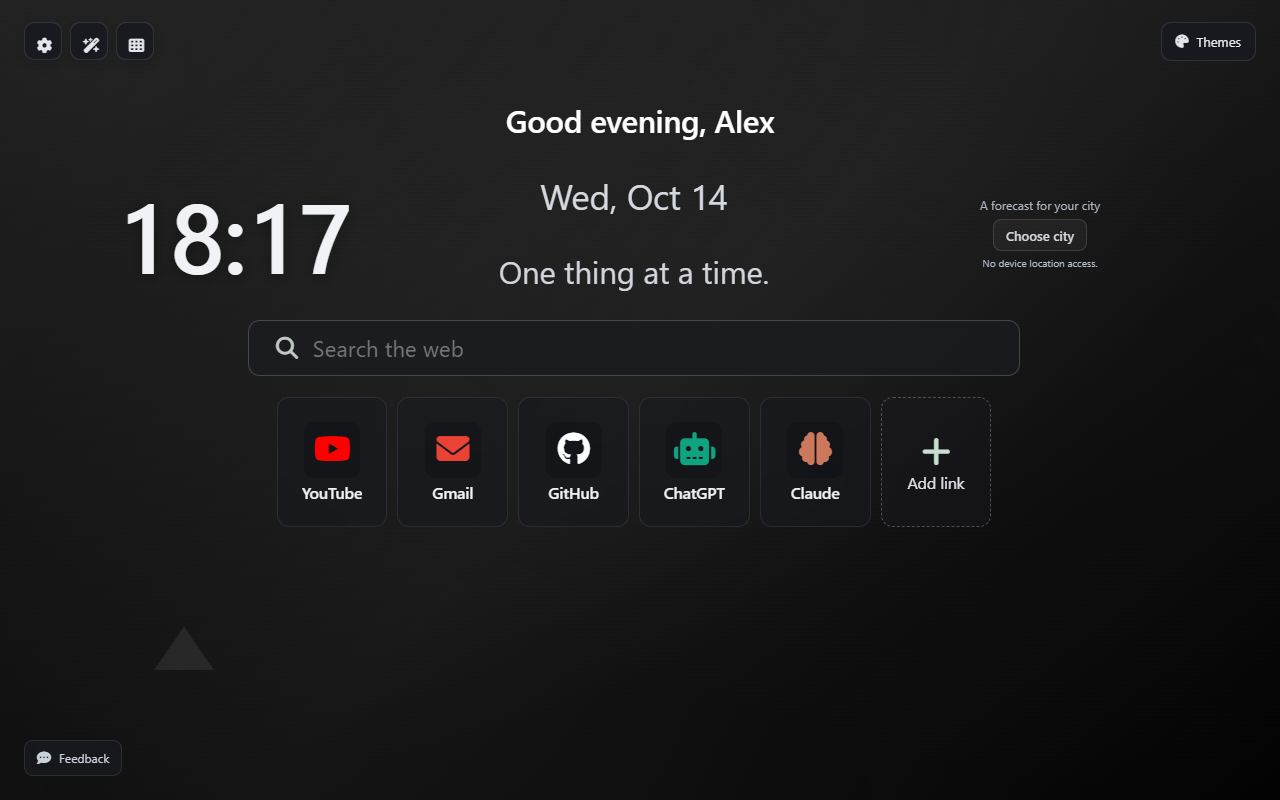
Make Chrome feel more like you with 3D Parallax, a free new tab extension with your favorite wallpapers, resizable widgets and everyday website shortcuts.
Free extension · No account needed · Built for desktop Chrome
Available on the Chrome Web Store.
18built-in themes
5saved wallpapers
A layout that’s yours
Your setup stays on your device
Useful, without the clutter
Keep it centered and simple, or give every widget a place of its own.
Arrange your clock, search, links and notes with drag and drop. Content grows with each widget. Tidy up your layout, or undo a change.
Add your favorite websites to a compact shortcut row. Give each link a name, reorder it and keep the useful ones close.
Keep a note, plan a task or add a countdown. Optional city weather and ambient sound help set the pace for your day.
Change the view
Choose a built-in theme, bring a favorite photo or video, or discover the developer-published wallpaper library.
Explore wallpapers & themesPersonal means personal
Ordinary homepage features work without an account or an AI key.
Read our privacy policyPreferences, notes, tasks and personal wallpapers stay local. Export a backup when you want one.
Choose a city for weather. Connect your own compatible provider for AI tools. Provider charges and terms apply.
The extension does not read Chrome’s browsing history. Feedback is sent only when you choose to submit it.
A small change to your everyday
Install 3D Parallax from its official Chrome Web Store listing when the release is available.
Your personal homepage takes the place of Chrome’s default New Tab page.
Choose a background, save a few links and arrange the widgets you’ll actually use.
The extension is free. Optional AI features use your own provider key; that provider may charge for usage.
Yes. Save up to five photos or videos on your device. Your collection stays saved when you switch to a built-in theme.
Saved wallpapers and ordinary local homepage features remain available offline. Online search, library discovery, weather and AI need an internet connection.
No account is needed for the ordinary homepage features. The separate publisher dashboard is used by the developer to manage the library and feedback.
3D Parallax replaces the New Tab page. It does not read Chrome’s browsing history or import your Chrome bookmarks. You add the shortcuts you want yourself.
A better place to begin
Available on the Chrome Web Store.